Last Updated: October 25, 2026
Quick Summary
HAPPILY ON TIME is the best Aisleplanner alternative for complex wedding day logistics and run of shows, because it keeps couples, planners, vendors, and crews synchronized from a single live timeline. It uses a one-time license, sends schedules by text with no app downloads, and pushes live updates automatically to the people each change affects.
- Complex weddings break at handoffs, so prioritize live redistribution and vendor access without downloads over broad business features.
- HAPPILY ON TIME charges a one-time event license with no subscription, renewal, per-seat charge, or recurring fee.
- A wedding run of show template should assign every activity a time, an owner, and a location, plus buffers between major moments.
- Before cancelling Aisle Planner, export your timeline and vendor list, rebuild the run of show, and send test views to two or three vendors.
- Printing the master schedule recreates the version-control problem, so distribute access instead of paper.
Table of Contents
- Why Complex Wedding Logistics Break Most Planning Software
- The Aisleplanner Alternative Built for Run of Shows: HAPPILY ON TIME
- Comparing Wedding Planning Software: Features, Pricing, and Fit
- What a Wedding Run of Show Template Must Include
- Building a Wedding Day Timeline Template That Survives Changes
- Wedding Vendor Coordination Software: Getting Vendors to Actually Use It
- Start Your Timeline with HAPPILY ON TIME
- Frequently Asked Questions
Why Complex Wedding Logistics Break Most Planning Software
A wedding with a destination ceremony, a separate reception venue, and 200 guests does not fail because of bad taste or bad vendors. For a direct head-to-head, see Aisle Planner vs Timeline Genius: Which Fits Your Wedding.
At HAPPILY ON TIME, we hear the same story repeatedly: a couple or planner has a shared document, a group text, and a printed schedule.
The Aisleplanner Alternative Built for Run of Shows: HAPPILY ON TIME
HAPPILY ON TIME is a wedding-day run of show platform that keeps couples, planners, vendors, and crews synchronized from a single live timeline. Where broad planning suites organize the whole engagement, this tool concentrates on the day itself, which is where complex weddings actually break. See the features and benefits for run of shows and vendor coordination.
The design choices follow from that focus:
- One-time license. You pay once for an event, with no subscription, renewal, per-seat charge, or recurring fee.
- No app downloads. Vendors and family receive their schedule by text and open it in a browser.
- Live updates. When a change is made, everyone affected sees the new version automatically.
- Customized views. Each person sees only the portion relevant to them, not the full master schedule.
- Privacy by default. Wedding details stay contained rather than scattered across group chats.
How the Live Timeline Works on the Day
The master run of show holds every cue, buffer, and vendor arrival in sequence. When the ceremony start slips, the planner adjusts one entry, and the platform recalculates what follows and pushes the change to the people it affects. Built-in venue buffers absorb the small overruns that used to trigger a cascade of panicked texts. The couple sees a calm overview. The photographer sees only their shot windows.
Comparing Wedding Planning Software: Features, Pricing, and Fit
The honest answer is that no single platform wins on every criterion. Broad suites handle contracts, invoices, and client intake well. Day-of logistics is a different job, and it rewards a different kind of tool.
| Tool | Core Strength | Run of Show Depth | Live Change Distribution | Vendor On-Site Access | Pricing Model | Best Fit |
|---|---|---|---|---|---|---|
| HAPPILY ON TIME | Live day-of timeline and vendor sync | Purpose-built, minute-by-minute cues with buffers | Automatic push to affected parties | Text-delivered browser view, no download | One-time event license | Complex weddings and multi-vendor days |
| Planning Pod | Event organization and vendor tracking | General event tools; timeline is one module among many | Manual updates; no automatic redistribution | Web-based; vendors typically need an account | Tiered subscription | Planners who want a broad event suite |
| HoneyBook | Proposals, contracts, payments | Basic project tools; not built for cue-level schedules | Client-facing notifications, not vendor cueing | Client portal; vendor access is limited | Tiered subscription | Client-facing business workflow |
| Dubsado | Client management | Limited detail; forms and workflows | Workflow automation, not live schedule push | Client portal; vendor access is limited | Tiered subscription | General client administration |
| Timeline Genius | Timeline building from templates | Strong template library and timeline drafting | Sharing and collaboration features | Web-based sharing | Subscription | Planners who want timeline drafting help |
Pricing varies by plan and team size across platforms, so check each provider directly rather than relying on secondhand figures. For our own one-time pricing, see simple, honest pricing.
A Decision Matrix for Complex Wedding Logistics
Use the following criteria to narrow the field before you demo anything. Each criterion maps to a failure mode we see repeatedly in multi-venue, multi-vendor weddings.
- Cue-level scheduling. Does the tool support minute-by-minute entries with named owners and location tags, or only date-level tasks? Complex weddings need the former.
- Live redistribution. When one entry changes, does the system push the update to affected parties automatically, or does someone have to re-share a document?
- Vendor access without friction. Can a florist open their schedule from a text message in a browser, or must they create an account and download an app?
- Customized views. Does each vendor see only their relevant window, or does everyone receive the full master schedule?
- Multi-location support. Can the timeline handle a ceremony venue, a reception venue, and shuttle logistics in one sequence?
- Pricing for the deployed team. Is pricing per event, per seat, or per tier, and what does the day-of feature set actually cost at your team size?
Planning Pod, HoneyBook, and Dubsado: Where They Fit
Planning Pod appears in most Aisleplanner alternative roundups as an event-focused option for organizing vendors and timelines. It is a reasonable fit for planners who want general event structure and are willing to manage distribution manually. HoneyBook earns its reputation on lead capture, proposals, contracts, and payments, with project tools that are functional but basic. Dubsado sits in similar territory as a client-management option.
Migration from Aisle Planner: What to Move and How
If you are leaving Aisle Planner, the practical concern is transferring the records that matter for day-of execution. Most planners find the highest-value items are the timeline entries, vendor contact and arrival details, venue load-in and load-out windows, and the client-facing schedule. Budgets and contracts can usually be exported or recreated in your business accounting tool, but the timeline and vendor records are what you will use on site.
What a Wedding Run of Show Template Must Include
A wedding run of show template is a minute-by-minute schedule that assigns every activity a time, an owner, and a location. A useful template goes further than a list of times. It must carry enough structure to survive contact with a real wedding day.
Every template we would hand to a vendor should include:
- Time blocks with buffers between major moments, not back-to-back cues
- Named owners for each item, so nobody assumes someone else is handling it
- Location tags for each activity, critical for split-venue weddings
- Vendor arrival and setup windows, separate from guest-facing events
- Contact details for the point person on each crew
- A change log so updates are visible rather than buried in a text thread
The template is only the starting point. The real test is whether it can be updated and redistributed in seconds.
Building a Wedding Day Timeline Template That Survives Changes
A wedding day timeline template survives changes when it lives in one place and updates everywhere at once.
Start with the fixed anchors, ceremony, reception start, and vendor contract times, then layer flexible items around them.
Watch out: printing the master schedule and handing it out on the morning of the wedding recreates the exact version-control problem the timeline was meant to solve.
Wedding Vendor Coordination Software: Getting Vendors to Actually Use It
Wedding vendor coordination software only works if vendors actually open it. The single biggest adoption barrier is friction, and the second is habit.
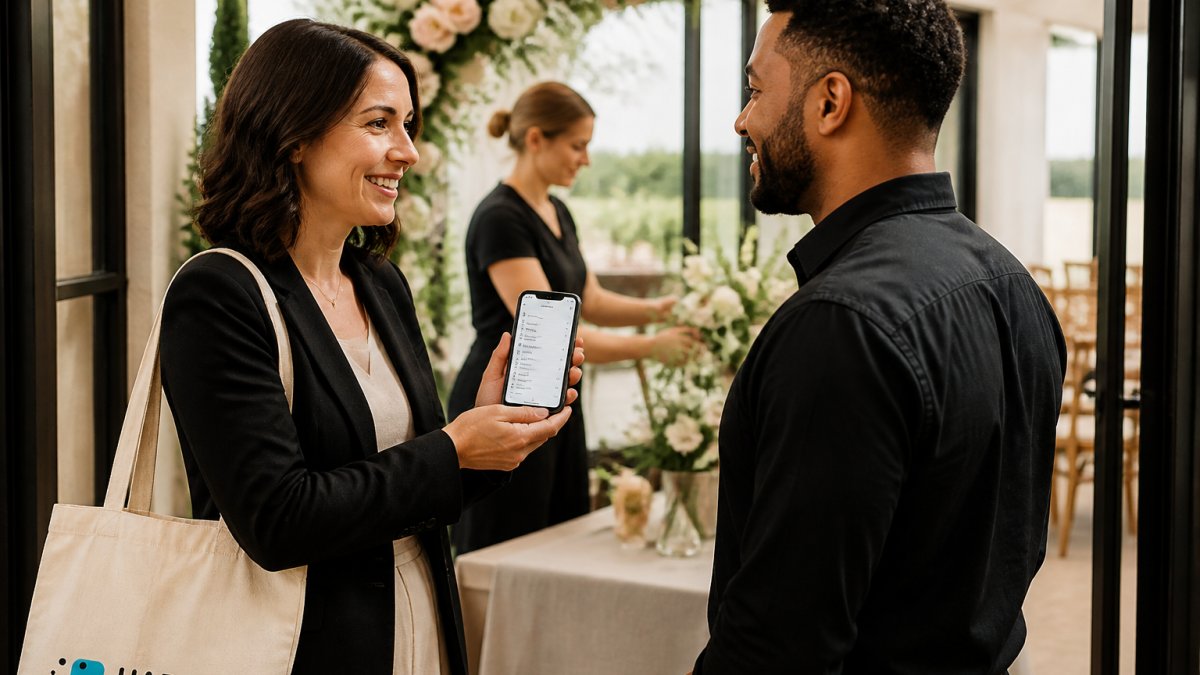
The practical answer is to remove the download and the login. A schedule delivered by text, opening in a browser, gets read. For a deeper walkthrough on adoption, read our guide to managing wedding vendor timelines.
The Handoff Problem: Ceremony to Reception Transitions
The most failure-prone moment in a complex wedding is the ceremony-to-reception transition. Guests move, the couple moves, the photography crew moves, and the catering team needs the room reset. Each of those is a separate handoff, and each handoff is a chance for the schedule to drift. A coordination tool should make the handoff explicit: who owns the room flip, what time it starts, what time it must finish, and who confirms completion.
Overlapping Vendor Arrivals and Multi-Location Days
Complex weddings often have overlapping vendor arrivals across two or more locations. A florist delivering to the ceremony site at the same time the rental crew is setting up at the reception venue is a coordination problem, not a scheduling one. The tool needs to show each vendor their location, their window, and their point of contact, and it needs to do so without requiring the planner to send separate messages.
Live Change Management: Who Sees What, and When
When plans change on the day, the question is not whether the update exists but who receives it. A useful pattern is role-based distribution: the photographer receives shot-window changes, the caterer receives service-timing changes, the shuttle driver receives pickup changes, and the couple receives a calm overview. The planner edits one entry, and the system pushes the relevant change to the relevant people. Confirmations matter too.
Contingency Plans and Large Teams
Complex weddings need contingency entries built into the timeline, not stored in the planner's head. Rain plans, shuttle delays, and vendor no-shows should have pre-assigned owners and trigger conditions. On large teams, the planner cannot personally confirm every task, so the tool should let crew leads see their team's assignments and mark completion. That visibility is what turns a schedule into a live operational picture rather than a static document.
Start Your Timeline with HAPPILY ON TIME
Complex logistics do not have to mean constant status-update texts. The right structure keeps everyone informed without adding work for the people you are coordinating.
If your wedding day involves multiple venues, a large crew, and a schedule where one delay ripples everywhere, HAPPILY ON TIME was built for exactly that. Explore a read-only wedding-day run of show to see how it works, then get started with HAPPILY ON TIME and run your wedding day with calm instead of chaos.
Frequently Asked Questions
What is the difference between Aisleplanner and wedding-day run-of-show software?
Aisleplanner is a broad wedding planning platform covering budgets, tasks, and client communication. Run-of-show software focuses on the wedding day itself: minute-by-minute schedules, vendor handoffs, and live updates when something changes. For complex weddings with multiple venues or large vendor teams, a dedicated run-of-show tool keeps everyone synced in real time, while a general planner handles the months of preparation leading up to it.
How can wedding planners share a timeline with vendors without requiring app downloads?
HAPPILY ON TIME sends schedules to vendors and family via text message, so no one needs to install an app or create an account. Each person receives a customized view showing only their relevant call times, locations, and tasks. When the timeline changes, everyone gets an automatic update. This matters for vendors who rarely check email and for wedding parties who won't download unfamiliar software days before the event.
How do you create a wedding-day run of show?
Start with the ceremony time and work backward: hair and makeup, first look, guest arrival, processional, cocktail hour, dinner, toasts, and dancing. Assign each vendor a call time and location, then add buffers between segments to absorb delays. A wedding run of show template gives you the structure; run-of-show software keeps it live so changes reach every vendor instantly instead of through a chain of texts.
What should wedding planners look for in day-of timeline software?
Prioritize live updates that reach all users automatically, customized views so each vendor sees only their portion, and offline or mobile access for on-site coordination. Check whether vendors need to download an app, how changes are communicated, and whether pricing is a one-time license or a recurring subscription. For complex weddings, confirm the tool handles multiple venues and large vendor teams without extra per-user fees.